The short answer
If you work for yourself as a sole trader and earn more than £1,000 in a tax year, you must register for Self Assessment by 5 October after that tax year ends. You'll pay Income Tax and Class 4 National Insurance on your profits through a yearly tax return, due online by 31 January. From April 2026, sole traders with qualifying income over £50,000 must also use Making Tax Digital, and that threshold falls to £30,000 in 2027 and £20,000 in 2028.
Companies in this guide
On this page
The checklist
Decide how you'll trade
Most trades start as a sole trader, which is the simplest setup. A limited company is a separate legal business with its own rules. Find out more on GOV.UK's working for yourself guide.
Register for Self Assessment
Tell HMRC you're self-employed. You'll get a Unique Taxpayer Reference (UTR).
Keep records from day one
Every invoice, receipt and expense, ideally in software you'll be able to use for Making Tax Digital.
Set money aside for tax
Put a share of every payment into a separate account for your tax and National Insurance bill.
Register for CIS if you work for contractors
If you're a subcontractor in construction, registering means 20% is deducted from your payments instead of 30%.
Get the right insurance
Many customers and contractors ask for public liability cover. Employers' liability is a legal requirement once you employ people.
Make it easy for customers to find you
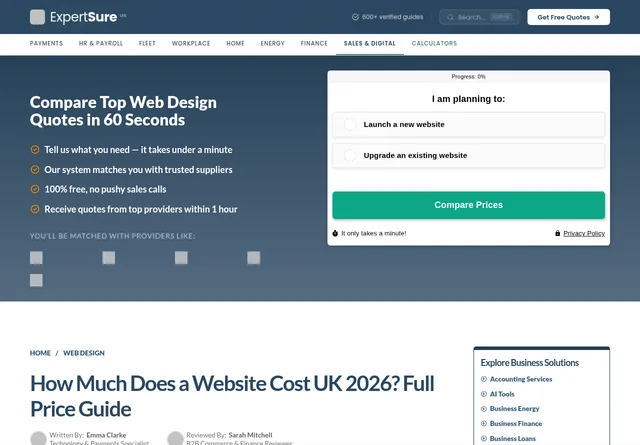
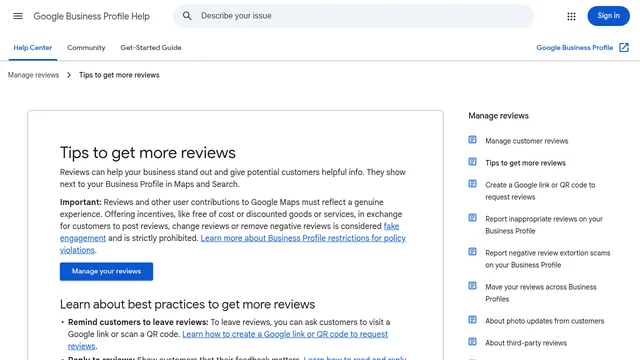
A Google Business Profile, reviews and a simple website.
Registering with HMRC
GOV.UK says you must send a tax return (opens in a new tab) if, in the last tax year, you were self-employed as a sole trader and earned more than £1,000 before taking off anything you can claim tax relief on. Checked October 2026
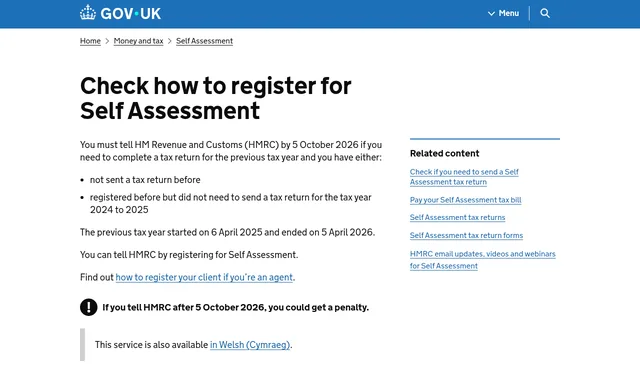
You must tell HMRC by 5 October after the end of that tax year. For example, the tax year that ended on 5 April 2026 had a registration deadline of 5 October 2026 (opens in a new tab). If you register late, you could get a penalty. You register through the Self Assessment service on GOV.UK, and HMRC then sends your UTR.
 (opens the page in a new tab)
The key dates
- 6 April
The tax year starts
Each tax year runs from 6 April to 5 April.
- 5 October
Register by
Tell HMRC by 5 October after the tax year ends, if you haven't sent a return before.
- 31 October
Paper return deadline
If you file on paper. Most people file online.
- 31 January
Online return and payment
File online and pay what you owe, plus your first payment on account towards the next year, if you need to make one.
- 31 July
Second payment on account
If you make payments on account, the second one is due.
Tax and National Insurance
You pay Income Tax and National Insurance on your profit: what you earn from the work, minus allowable business expenses.
| What | Rate | Notes |
|---|---|---|
| Personal Allowance | £12,570 tax-free | Reduces by £1 for every £2 of income over £100,000 |
| Class 4 National Insurance | 6% on profits from £12,570 to £50,270 | 2% on profits over £50,270 |
| Class 2 National Insurance | Nothing to pay if profits are £7,105 or more | Treated as paid, to protect your National Insurance record |
| Voluntary Class 2 | £3.65 a week | Optional, if profits are under £7,105 |
Making Tax Digital
Making Tax Digital for Income Tax means keeping digital records and sending HMRC quarterly updates through compatible software, as well as a yearly return. According to GOV.UK (opens in a new tab), it applies to sole traders and landlords based on their qualifying income: their gross income from self-employment and property, before expenses.
Even if it doesn't apply to you yet, keeping your records digitally from the start makes the switch painless when your income or the threshold catches up.
CIS and VAT
Construction Industry Scheme (CIS)
If you work as a subcontractor for a construction contractor, GOV.UK says you should register for CIS (opens in a new tab). The contractor then deducts 20% from your payments and passes it to HMRC as an advance towards your tax and National Insurance. If you don't register, they must deduct 30% instead. You can apply for gross payment status if you don't want deductions taken.
VAT
You must register for VAT (opens in a new tab) if your VAT taxable turnover goes over £90,000. You can also choose to register below that.
Insurance and records
- Employers' liability insurance is a legal requirement once you employ people (GOV.UK (opens in a new tab))
- Public liability insurance, which many customers and contractors ask to see before you start
- Tools and van insurance, so a theft doesn't stop you working
- A separate bank account for the business, so your records are easier to keep
- Clear written quotes and invoices. Our free quote template helps
- Receipts for every business expense, kept for at least five years after the 31 January filing deadline
Getting work in
Once you're set up, the next job is making sure customers can find you and trust you:
Set up a Google Business Profile
It's free and it's what people see when they search for your trade nearby.
Collect reviews from day one
Ask every customer. See how to get more Google reviews.
Get a simple website
Somewhere to show your work and take enquiries. See what a website costs.
Use lead sites carefully, if at all
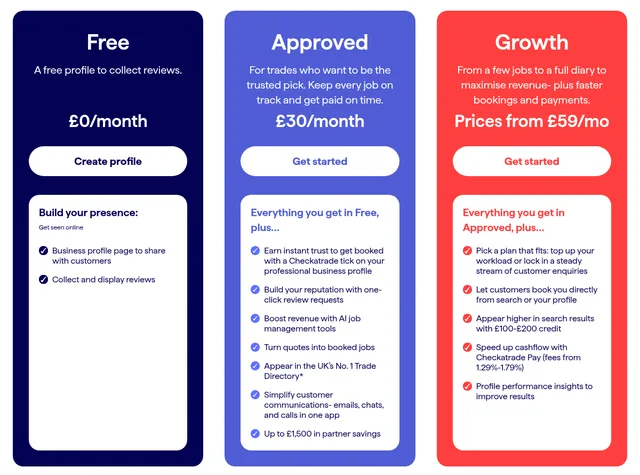
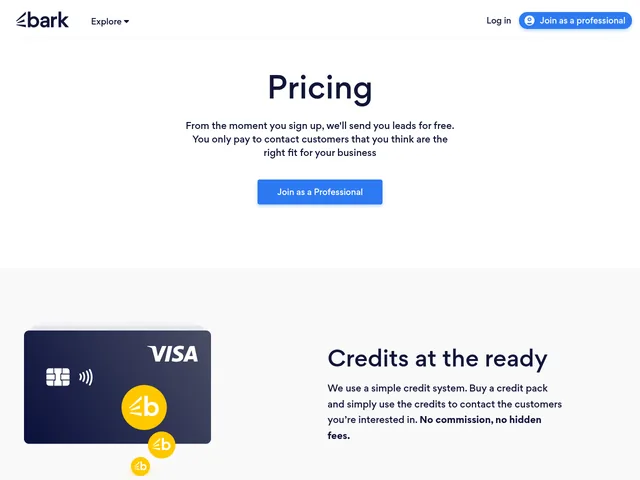
Compare Checkatrade, MyBuilder and Bark on cost per job won.
Questions and answers
When do I need to register as self-employed?
GOV.UK says you must tell HMRC by 5 October after the end of the tax year in which you need to send a return. For example, if you started trading in the tax year that ends on 5 April 2027, register by 5 October 2027.
Do I need to register if I only earn a little?
You must send a tax return if you were a sole trader and earned more than £1,000 before expenses in the tax year. Below that, the trading allowance means you may not need to.
How much National Insurance do self-employed people pay?
For 2026 to 2027, Class 4 is 6% on profits between £12,570 and £50,270 and 2% above that. If your profits are £7,105 or more, Class 2 is treated as paid, so you don't pay it. Below that you can choose to pay voluntary Class 2 at £3.65 a week.
Does Making Tax Digital apply to me?
From 6 April 2026 it applies to sole traders and landlords with qualifying income over £50,000, based on the 2024 to 2025 tax return. It extends to those over £30,000 from April 2027 and over £20,000 from April 2028.
Do I have to register for VAT?
Only if your VAT taxable turnover goes over £90,000. You can choose to register below that.
Sources
Every figure in this guide comes from the sources below, checked in October 2026. Prices and terms change, so check the company's own page before you sign up or cancel anything. This guide is general information, not financial, legal or tax advice.
- GOV.UK: Working for yourself (opens in a new tab)
- GOV.UK: Check how to register for Self Assessment (opens in a new tab)
- GOV.UK: Who must send a tax return (opens in a new tab)
- GOV.UK: Self Assessment tax returns (deadlines and penalties) (opens in a new tab)
- GOV.UK: Understanding your Self Assessment tax bill (payments on account) (opens in a new tab)
- GOV.UK: Income Tax rates and Personal Allowances (opens in a new tab)
- GOV.UK: Self-employed National Insurance rates (opens in a new tab)
- GOV.UK: Find out if and when you need to use Making Tax Digital for Income Tax (opens in a new tab)
- GOV.UK: What you must do as a CIS subcontractor (opens in a new tab)
- GOV.UK: How VAT works (registration threshold) (opens in a new tab)
- GOV.UK: Employers' liability insurance (opens in a new tab)
Toolbox Boost isn't connected to, paid by or endorsed by any company named in this guide. Logos and screenshots belong to their owners and are shown for identification and comparison. Spotted something out of date? Email admin@toolboxboost.com and we'll check it.