Boost CRM
Every enquiry, follow-up and customer in one place.
Boost CRM is our own software for keeping track of customers. We built it, and we use it every day to keep on top of the enquiries that come into Toolbox Boost.
Who it's for
For trades who win work from enquiries.
Electricians, plumbers, builders, roofers, landscapers and other UK trades who are juggling messages, quotes and follow-ups between jobs.
We build websites for
Sound familiar?
- Enquiries arrive by email, WhatsApp, Instagram and Facebook.
- Follow-ups live in your head, your phone or on scraps of paper.
- You want to see who's waiting for an answer without digging through messages.
What it does
Everything you need to keep on top of enquiries.
Real features from the software we use every day. Nothing on this page is a promise of results.
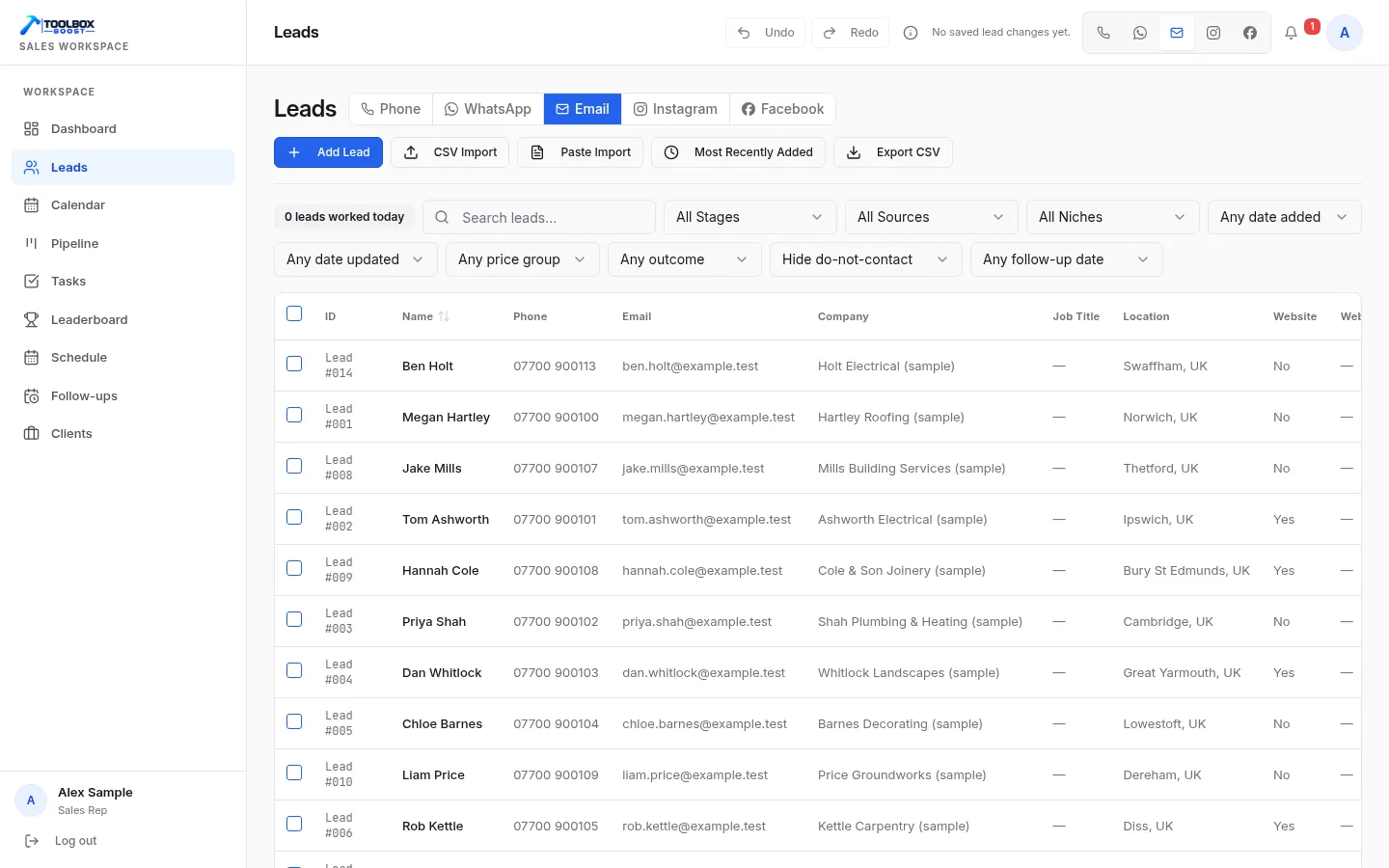
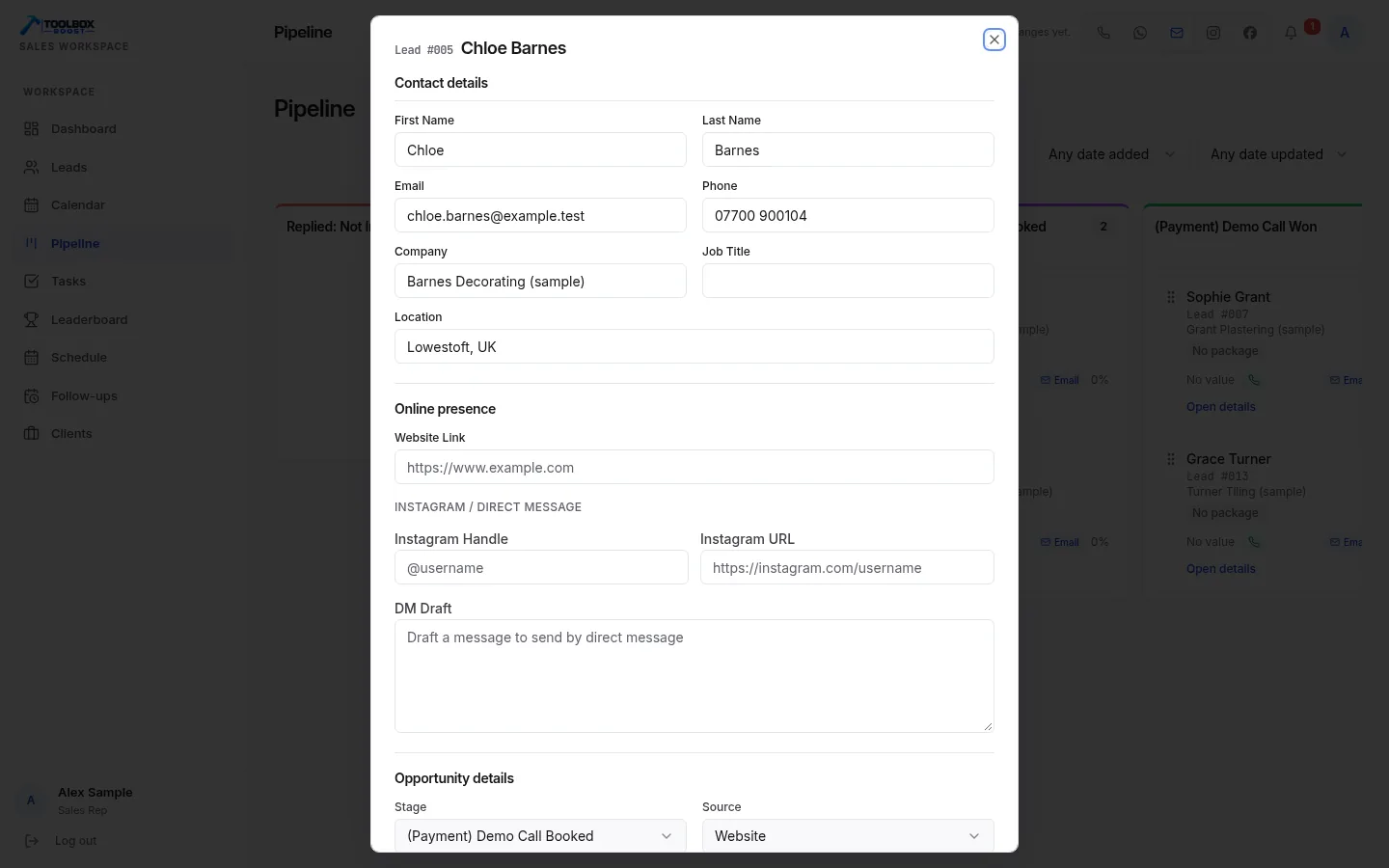
Every enquiry in one place
Contact details, business, location, source and notes for each enquiry, with search and filters to find anyone fast.
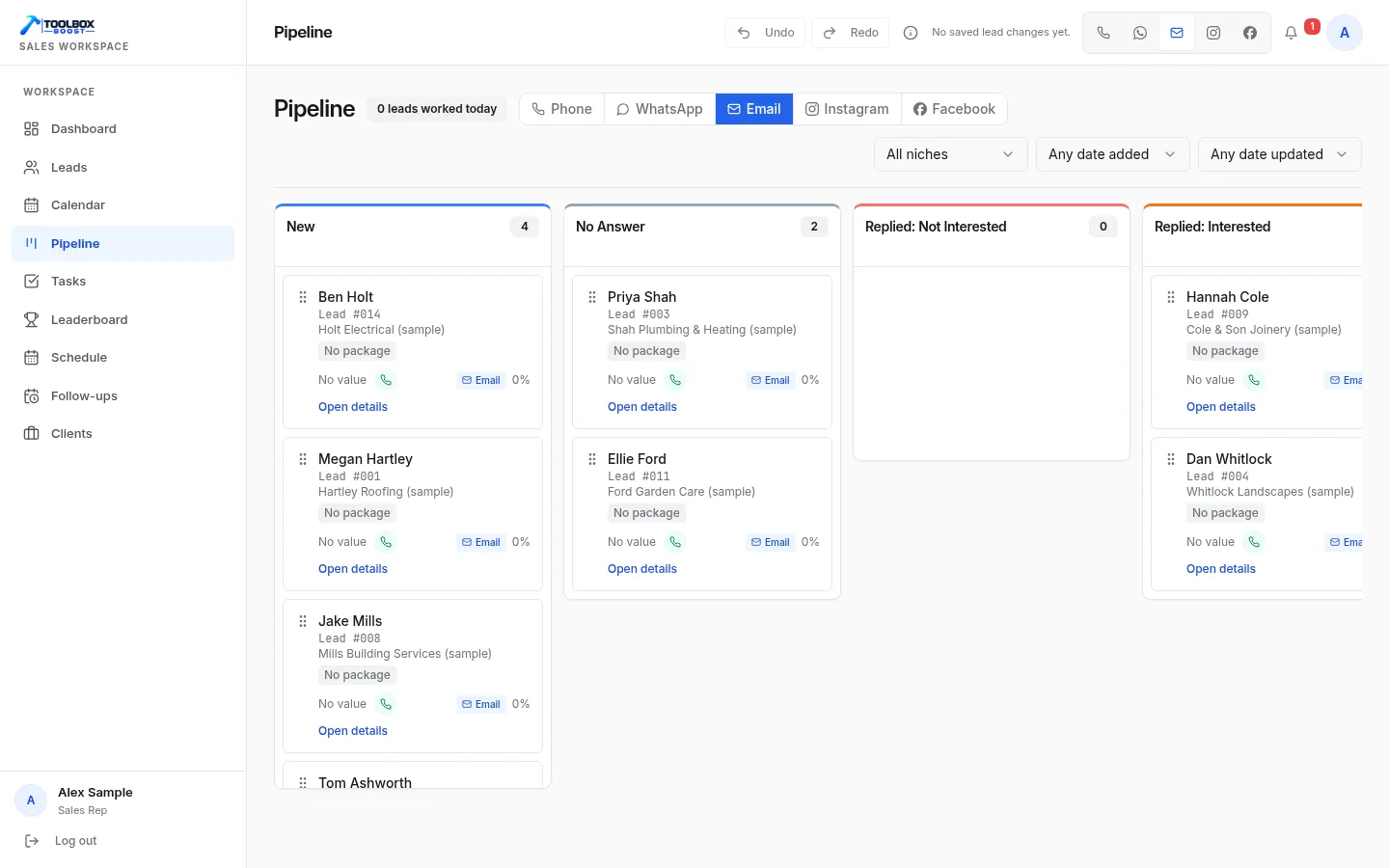
See where every lead stands
A pipeline board shows each enquiry's stage at a glance, so nothing sits forgotten.
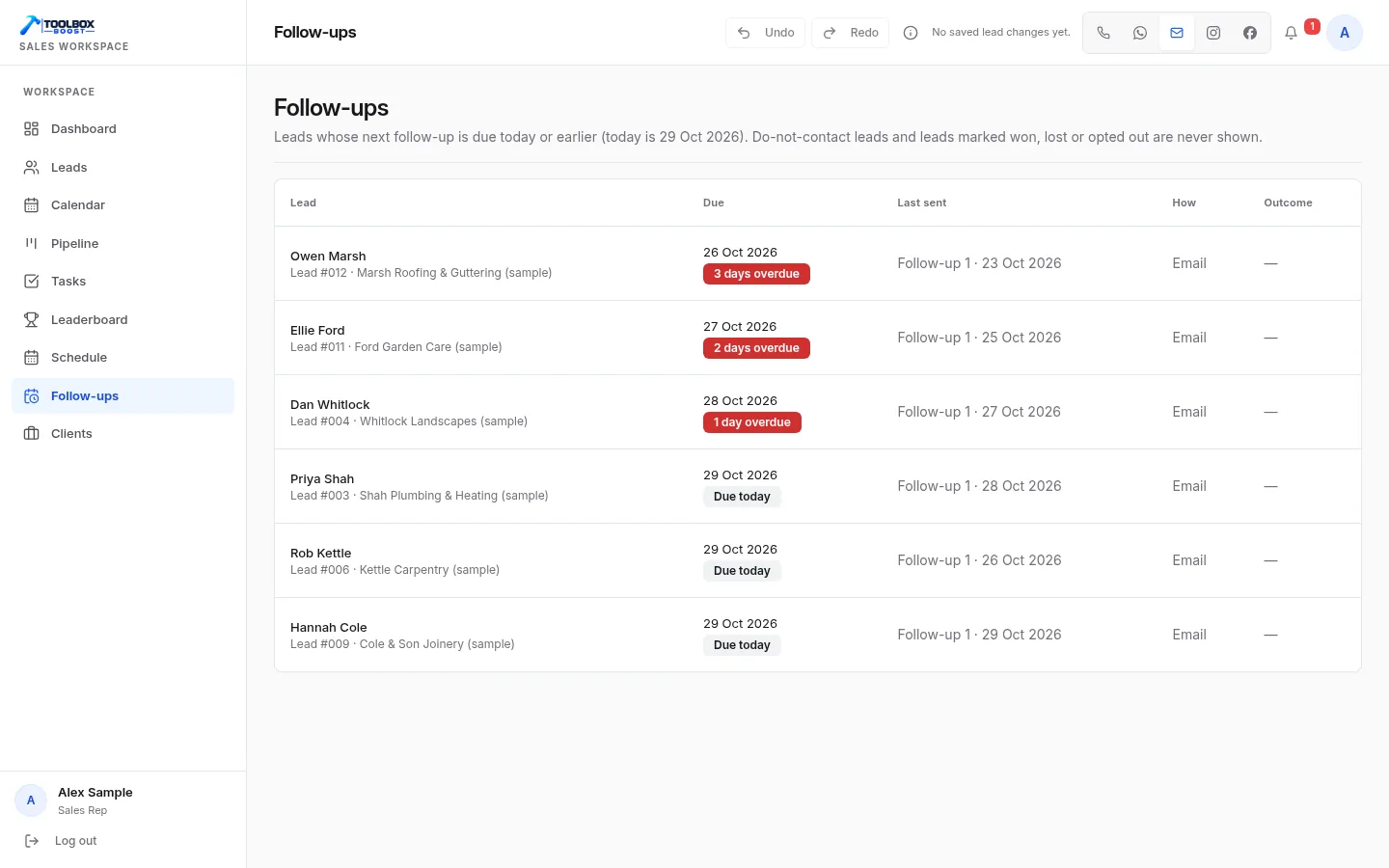
Follow-ups that don't slip
Set follow-up dates and see what's due today or overdue, so you always know who to get back to.
The full story on every customer
An activity log keeps the messages, stage changes and notes for each enquiry together.
Tasks for you and your team
Set tasks with due dates, link them to an enquiry and assign each lead to the right person.
Clean, tidy records
Duplicate checks, a do-not-contact marker and spreadsheet import and export keep your list accurate.
See inside
The real Boost CRM, with sample data.
These are screens from Boost CRM as we use it at Toolbox Boost. The names and businesses are invented for this page.
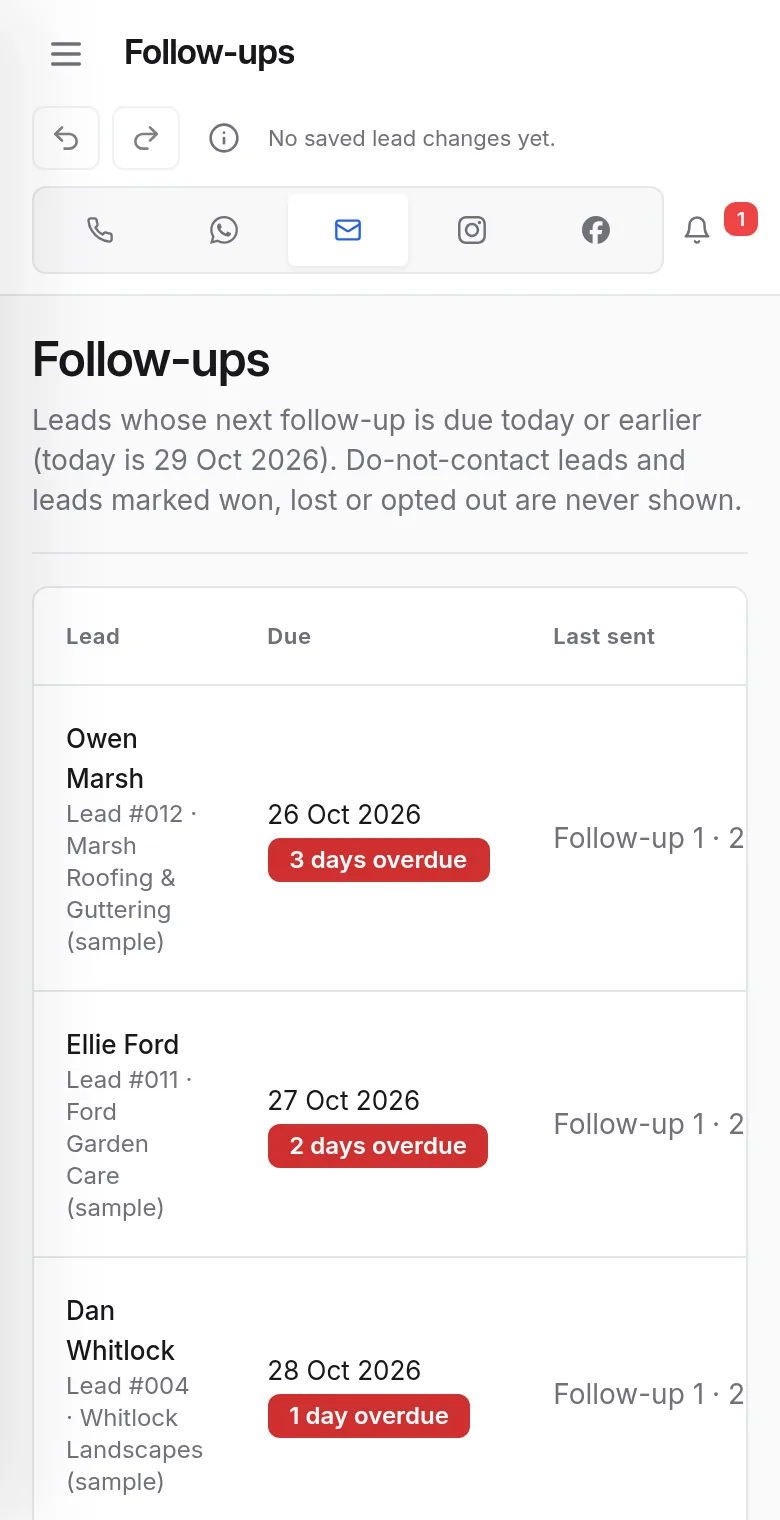 Sample data
How it works with your website
Your website brings enquiries in. Boost CRM keeps track of them.
A good website gets customers to enquire. Boost CRM is where you keep every one of those enquiries until the job's won.
- 01
Your website brings in enquiries
Customers find you, see your work and get in touch through your quote form, WhatsApp or email.
- 02
Each enquiry gets a record
Add each enquiry to Boost CRM with who they are, what they need and where they came from.
- 03
You follow up and win the job
Set a follow-up, log each conversation and move the enquiry along until the job's won.
FAQ
Questions about Boost CRM.
Is Boost CRM real software?
Yes. It's our own software, and we use it every day to keep track of the enquiries that come into Toolbox Boost. The screens on this page are from it, filled with sample data.
Can I use it on my phone?
Yes. It runs in a web browser, so you can use it on a computer or a phone.
How do I get Boost CRM for my business?
Ask about it when you discuss your website. We'll talk through how you handle enquiries now and whether Boost CRM is the right fit.
How much does it cost?
Every setup is quoted for your business after a few questions about what you need. No hard sell.
Get started
Discuss your website.
Tell us what your website needs to do, and ask about Boost CRM at the same time. We'll come back with recommendations and a clear quote. No hard sell.
Prefer email? admin@toolboxboost.com · Contact page